Ever felt like your keyboard was just… okay? Maybe a little mushy, or perhaps not quite responsive enough? You're not alone. Many of us spend hours each day with our fingers dancing across keys, yet we rarely give much thought to the tool itself. But what if I told you that your keyboard could be more than just a way to input text? What if it could be a source of comfort, a boost to your productivity, and even a joy to use? That's where the magic of mechanical keyboards comes in. They offer a vastly different experience, and finding the right one is a bit of an art form, a personal quest to find your perfect mechanical match.
Forget those flimsy, generic keyboards that come bundled with computers. Mechanical keyboards are a whole different breed. They use individual mechanical switches under each keycap, giving you a distinct tactile and auditory feedback with every press. Think of it like the difference between a mushy sponge and a satisfying, precise click. This isn't just about noise; it's about how your fingers feel, how quickly you can type, and how much strain you put on your hands over time. Whether you're a gamer needing lightning-fast response, a writer crafting your next novel, or just someone who appreciates quality and a good typing feel, there's a mechanical keyboard out there for you. But with so many options, how do you even begin to choose? Let's break it down.
The Heart of the Matter: Understanding Mechanical Switches
The real magic of a mechanical keyboard lies in its switches. These little mechanisms are what give each key its unique feel and sound. You'll typically encounter three main types, often color-coded:
- Linear Switches (e.g., Cherry MX Red): These are smooth from top to bottom. There's no bump or click. You press the key, and it actuates. They're favored by gamers for their speed and by those who prefer a quiet, unhindered keystroke. Think of a smooth, uninterrupted descent.
- Tactile Switches (e.g., Cherry MX Brown): These offer a noticeable bump halfway down the keypress. You feel a little 'thump' that tells you the key has been registered. There's usually no audible click, making them a great middle ground for typing and gaming. It's like a gentle nudge to let you know you've arrived.
- Clicky Switches (e.g., Cherry MX Blue): These have both a tactile bump and an audible click sound when the key actuates. They provide the most satisfying feedback for many typists, offering a clear confirmation of each keystroke. This is the classic 'typewriter' feel many people remember fondly. Be mindful, though; they can be quite noisy.
Beyond these basics, there are countless variations and brands, each with its own characteristics in terms of actuation force (how hard you need to press), travel distance, and sound profile. Trying them out, if possible, is the best way to discover your preference. Some local computer shops might have display models, or you can even buy switch testers online.
Size Matters: Choosing the Right Keyboard Layout
Keyboards come in a surprising array of sizes, and the layout you choose can significantly impact your desk space and typing ergonomics. Here are some common ones:
- Full-Size (100%): This is your traditional keyboard with a number pad, function keys, and navigation cluster. Great if you use the number pad frequently or need all the dedicated keys.
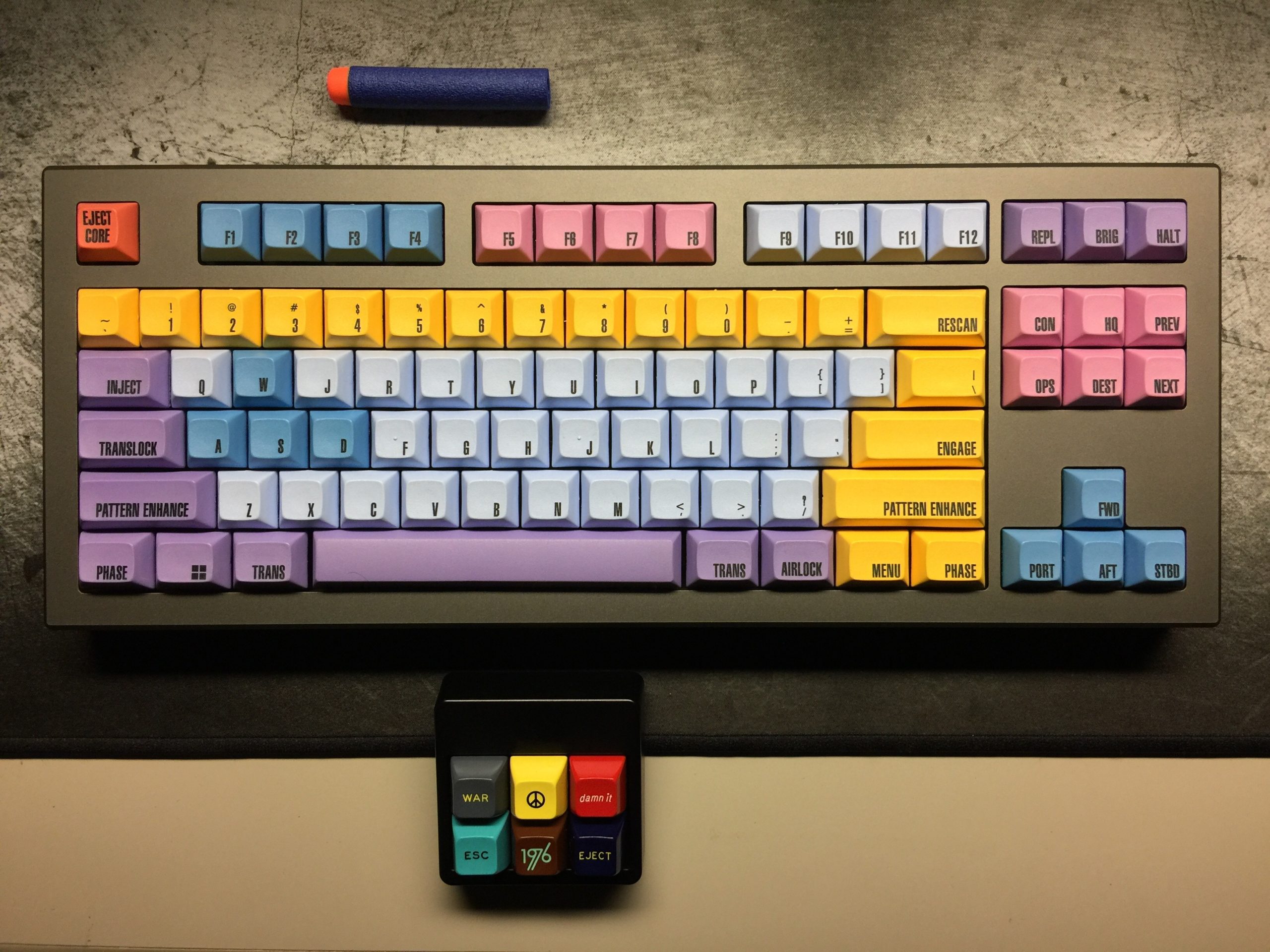
- Tenkeyless (TKL or 87%): This removes the number pad but keeps the navigation cluster and function keys. It offers a more compact footprint and allows for more mouse movement space, a favorite among many gamers and typists.
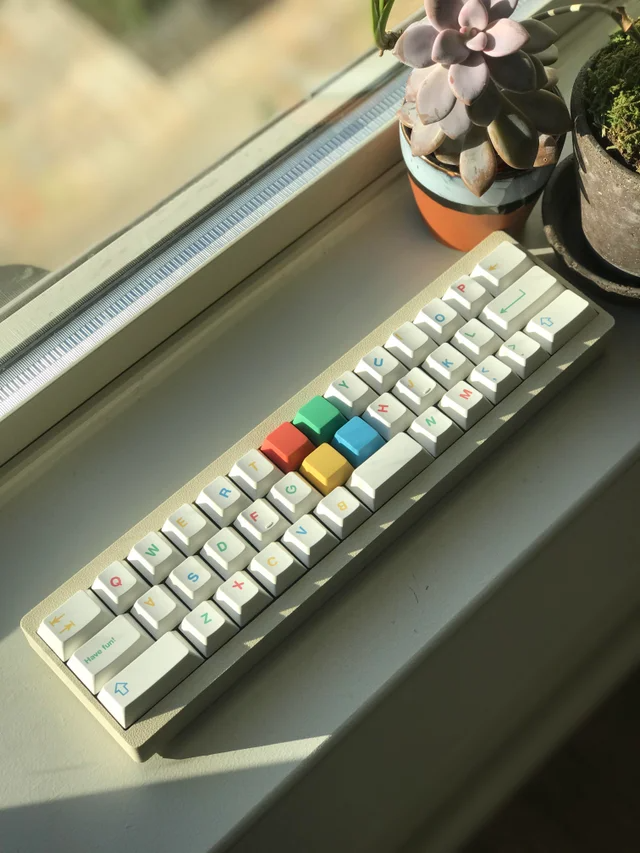
- Compact (75%, 65%, 60%): These layouts progressively remove more keys, often consolidating functions into layers accessed by holding down an 'Fn' key. A 60% board, for instance, typically removes the function row, navigation keys, and arrow keys, relying heavily on layers. They are incredibly space-saving and offer a minimalist aesthetic, but they do come with a learning curve.
Consider your desk real estate and how you use your keyboard. Do you need that number pad? Are you comfortable using function keys or arrow keys via a modifier key? There’s no right or wrong answer, just what works best for your workflow and comfort.
Beyond the Basics: Features to Consider
Once you've got a handle on switches and size, other features can further refine your perfect match:
- Keycaps: These are the plastic covers you actually touch. They come in various materials (ABS and PBT are common), profiles (shapes and heights), and designs. PBT keycaps are generally more durable and resist shining over time compared to ABS.
- Build Quality and Materials: A good mechanical keyboard feels solid. Look for sturdy cases, often made of aluminum or high-quality plastic. This contributes to a premium feel and reduces keyboard flex.
- Connectivity: Will you go wired or wireless? Many modern mechanical keyboards offer both options, giving you flexibility. Bluetooth is great for tidiness, while a wired connection ensures zero latency, which is crucial for competitive gaming.
- Customization: Some enthusiasts love to swap out keycaps, switches, and even modify their keyboards further. If this sounds appealing, look for keyboards that are easier to customize, perhaps with hot-swappable switches (meaning you can change switches without soldering).
- Backlighting: Whether you need RGB to match your setup or a simple white backlight for low-light conditions, this is an aesthetic and functional consideration.
Putting It All Together: Finding Your Workflow Fit
Think about your primary use. Are you a programmer who spends hours coding? You might lean towards tactile or clicky switches and a layout that keeps essential keys easily accessible, perhaps a TKL or even a compact board if you're used to layers. Are you a gamer? Responsiveness is key, so linear switches are often a top pick, and a TKL or 60% layout can give you more room for mouse movement. If you're a writer, the tactile feedback of a brown or blue switch can make typing a pleasure, and you might prefer a full-size or TKL layout for familiarity. Don't underestimate the importance of ergonomics, either. A keyboard that causes strain isn't perfect, no matter how good it feels initially. Consider wrist rests and keyboard angles to promote a neutral wrist posture.
The Journey of Discovery: Tips for Making Your Choice
Finding your perfect mechanical keyboard is a personal journey. Here are a few tips to help:
- Research: Read reviews, watch video demonstrations (especially sound tests!), and explore different brands and switch types.
- Try Before You Buy (If Possible): Visit electronics stores or computer shops that have display models. Even a few minutes of typing can tell you a lot.
- Consider a Switch Tester: These small devices let you try out different switch types without committing to a full keyboard. They are relatively inexpensive and incredibly useful.
- Start Simple: If you're completely new, a popular TKL or full-size board with Cherry MX Brown switches is often a safe and well-rounded starting point. You can always explore more specialized options later.
- Don't Be Afraid to Experiment: The beauty of mechanical keyboards is their modularity. You can often change keycaps and even switches later on to fine-tune your experience. It's okay if your first choice isn't your forever board.
Common Pitfalls to Avoid
Navigating the mechanical keyboard market can be a bit daunting. Here are a few things to watch out for:
- The 'Gamer' Trap: Just because a keyboard is marketed heavily towards gamers doesn't mean it's the best for everyone. Focus on the features that matter to your use case.
- Noise Levels: Clicky switches are satisfying but can be incredibly disruptive in shared spaces like offices or quiet homes. Always consider your environment.
- Overspending Initially: While high-end custom keyboards can cost a fortune, there are fantastic, affordable mechanical keyboards available that offer a great entry point. You don't need to break the bank to get a quality experience.
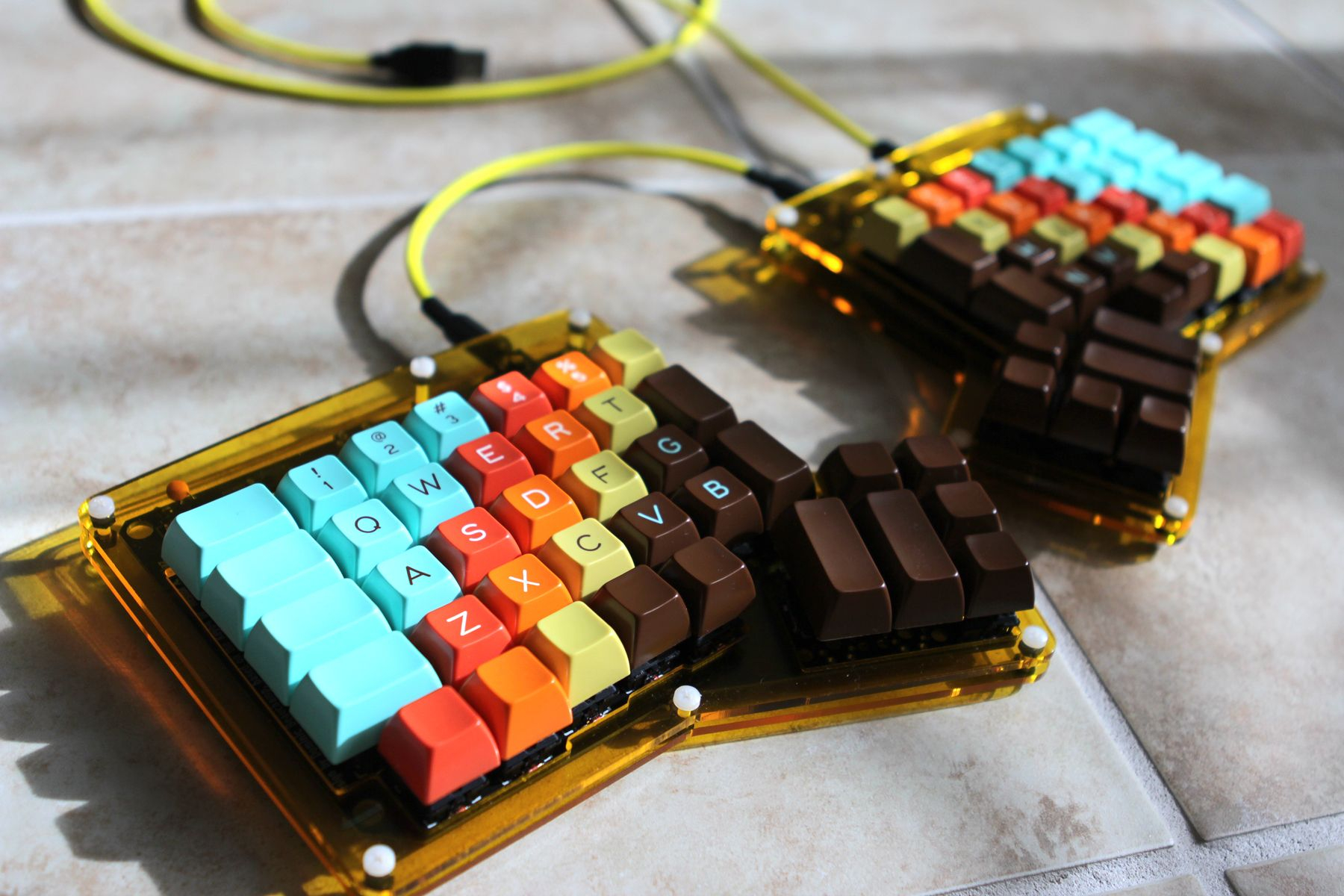
- Ignoring Ergonomics: A keyboard that looks cool but causes wrist pain is a failure. Prioritize comfort and health. A wrist rest or an ergonomic split keyboard might be worth investigating if you experience discomfort.
Choosing a mechanical keyboard is more than just buying a peripheral; it's an investment in your daily comfort and productivity. By understanding the different switches, layouts, and features, you can confidently navigate the options and find that perfect mechanical match that just feels right under your fingertips. The tactile feedback, the satisfying sounds, and the improved typing experience can genuinely transform how you interact with your computer. So, take your time, do a little exploring, and get ready to fall in love with typing all over again. Your perfect keystroke is out there, waiting for you.