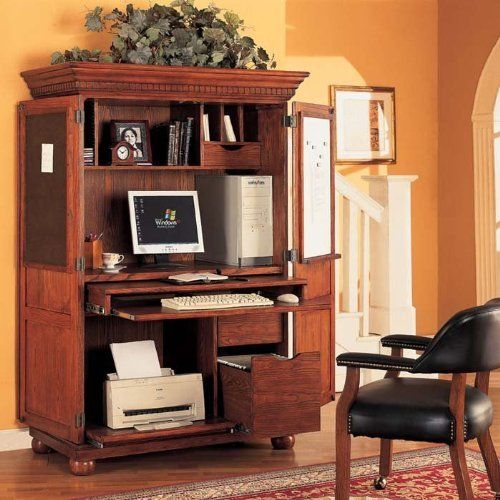
In today's world, our homes often double as offices. But let's be honest, a tangle of wires and a sprawling monitor aren't exactly conducive to relaxation or focus. That's where the humble computer armoire steps in, a brilliant solution for keeping your tech tidy and your living space serene. It's more than just furniture; it's a space-saver and a style-enhancer rolled into one. Ever wished your computer could just disappear when you're done with work? Well, with the right armoire, it practically can.
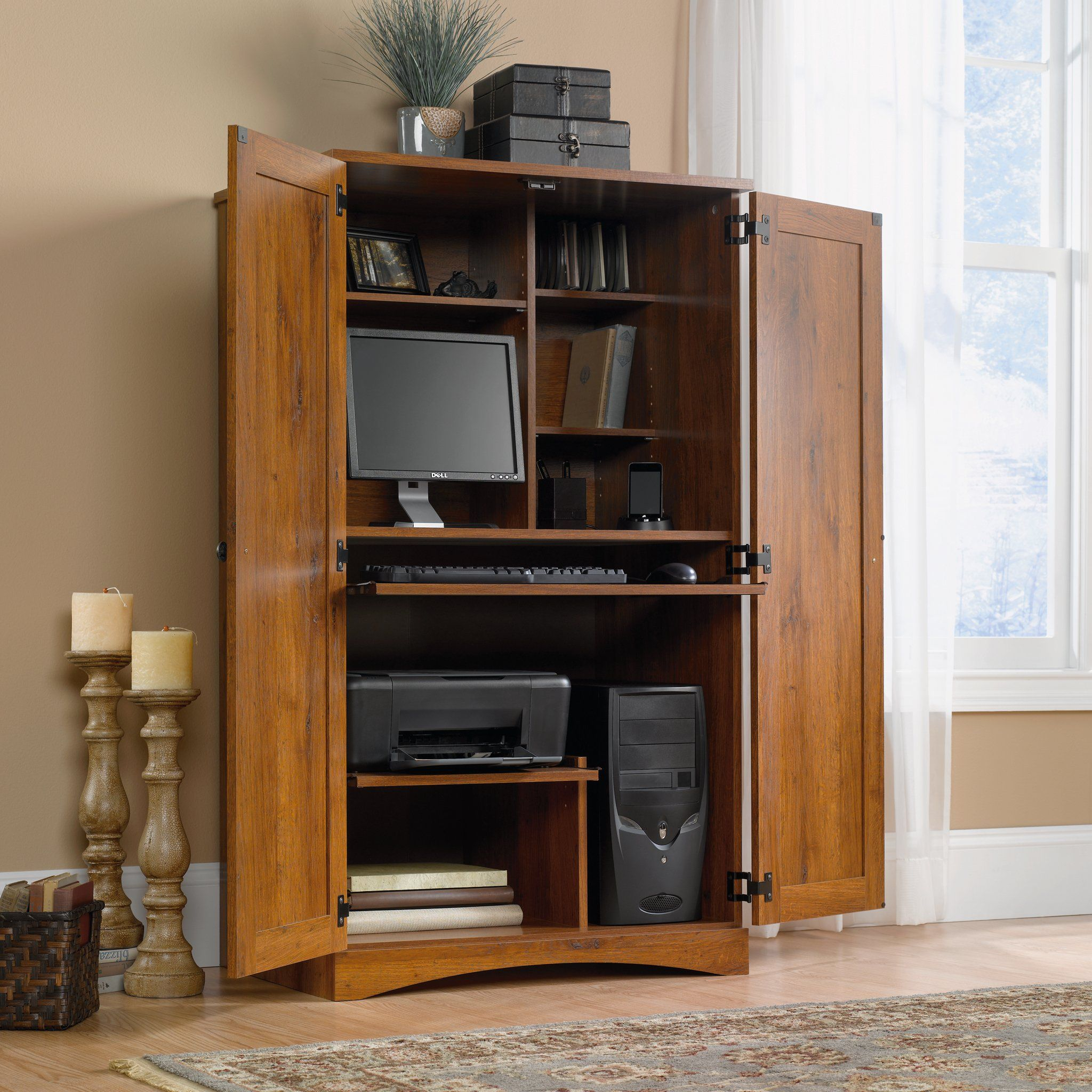
Remember when computers were these giant, clunky things that took up an entire desk? Things have certainly changed, but the need for a dedicated, organized space for our digital lives remains. Enter the computer armoire. This isn't your grandma's china cabinet, though it might share some of that classic charm. A computer armoire is designed specifically to house your computer equipment – monitor, tower, keyboard, mouse, and all the associated cables – discreetly behind doors. It's a fantastic way to reclaim your living room or spare bedroom from the clutches of tech clutter, blending seamlessly with your existing decor. Think of it as a stylish secret keeper for your digital world.
Why an Armoire? The Benefits Unpacked
So, why opt for an armoire when you could just get a desk? The advantages are pretty compelling.
- Clutter Control: This is the big one. Cables are unsightly and a pain to manage. An armoire provides a dedicated, enclosed space to hide all those wires and peripherals. No more tripping hazards or dust-collecting nests of cords!
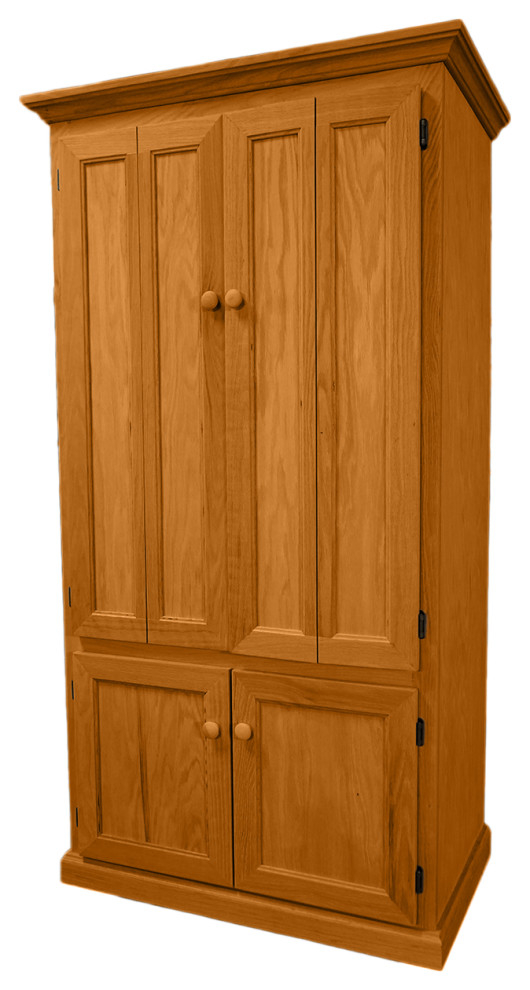
- Aesthetic Appeal: When closed, an armoire looks like a beautiful piece of furniture, not a tech hub. This is crucial for maintaining a calm and inviting atmosphere in your home, especially if your study area is in a main living space.
- Protection: Your valuable computer equipment is shielded from dust, spills, and accidental bumps when not in use. It’s like giving your tech a cozy, safe haven.
- Space Efficiency: Many armoires are designed to be relatively compact, offering ample storage and workspace within a smaller footprint than a traditional large desk setup. Some even incorporate shelving for printers or other accessories.
- Focus and Separation: Having a designated place to 'close up shop' at the end of the day can help create a mental separation between work and relaxation time. It signals that it's time to switch off and unwind.
Types of Computer Armoires: Finding Your Fit
Not all computer armoires are created equal. They come in a variety of styles and configurations to suit different needs and tastes:
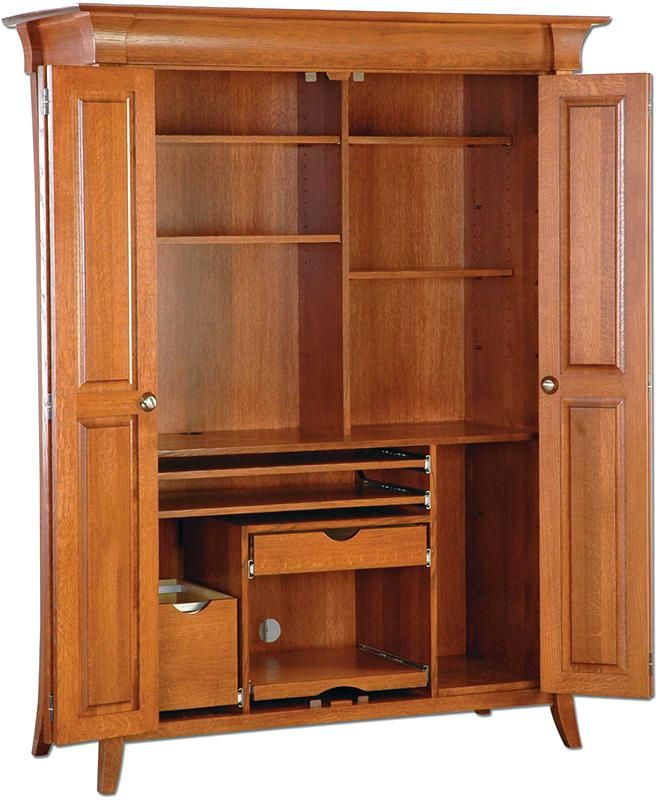
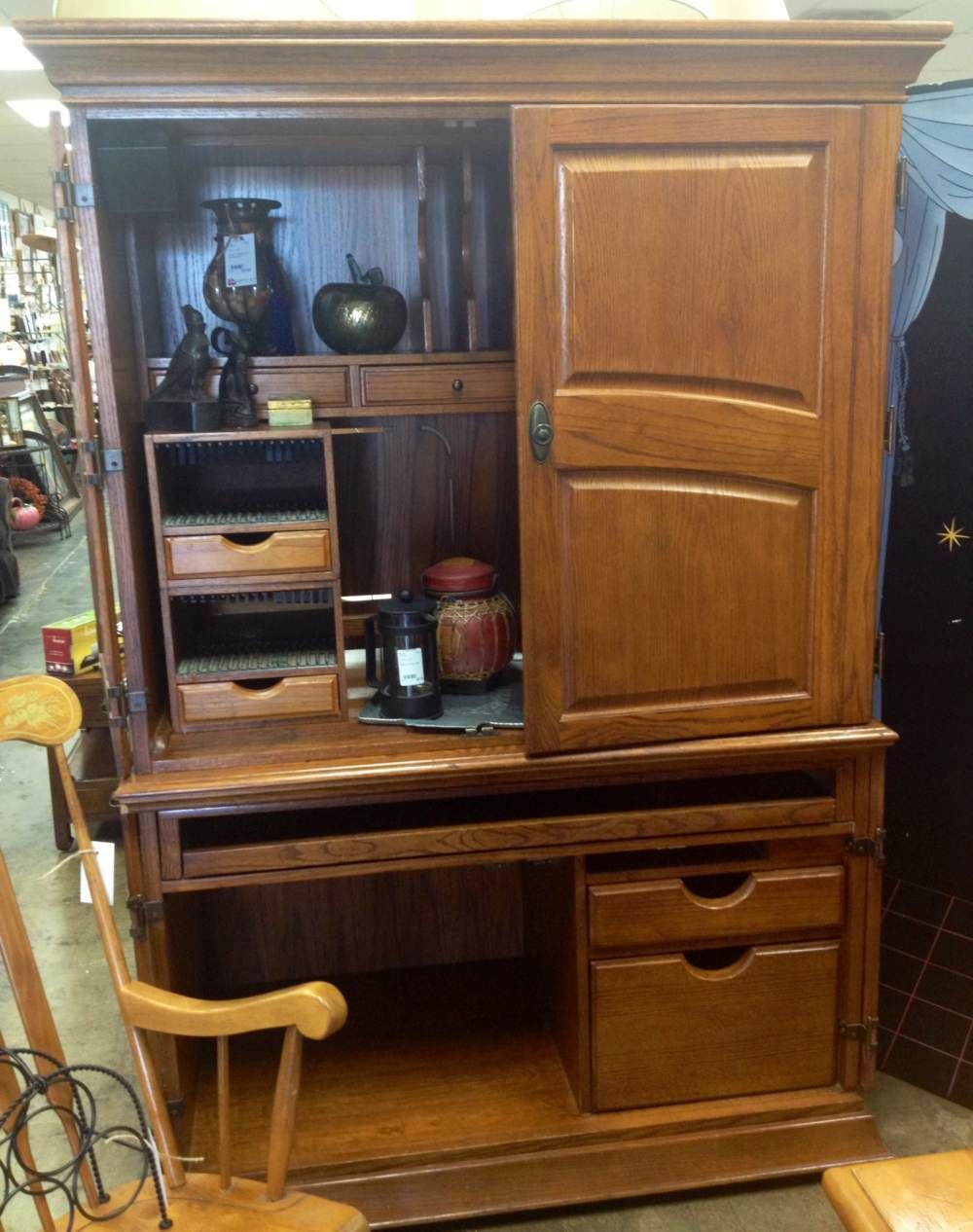
- Traditional Armoires: These often resemble classic wardrobes or cabinets, with doors that swing open to reveal the workstation. They can be quite substantial and offer a lot of storage.
- Corner Armoires: Perfect for maximizing awkward spaces, these are designed to fit snugly into a corner, freeing up valuable floor space.
- Compact or Mini Armoires: Ideal for smaller apartments or for housing just a laptop and essentials, these are more streamlined and less imposing.
- Modern Designs: You'll find armoires with sleek lines, minimalist aesthetics, and innovative features like built-in lighting or charging stations.
- Convertible Armoires: Some armoires are designed to look like a regular piece of furniture, like a credenza or bookshelf, until you open them up to reveal a hidden computer station. These are masters of disguise!
Key Features to Consider: What to Look For
When you're on the hunt for the perfect armoire, keep these important features in mind:
- Size and Dimensions: Measure your space carefully! Ensure the armoire will fit comfortably and that there's enough room for the doors to open. Also, check if it can accommodate your current (or desired) monitor size and computer tower dimensions. Don't forget to measure the depth of your keyboard and mouse setup.
- Ergonomics: Is the keyboard tray at a comfortable height when the armoire is open? Is there enough legroom? Some models offer adjustable shelves or pull-out surfaces for better comfort during extended use.
- Cable Management: Look for built-in features like grommets, channels, or ties designed to keep cables organized and out of sight. This is a non-negotiable for a truly clutter-free experience.
- Ventilation: Computers generate heat. Ensure the armoire has adequate airflow, perhaps with ventilation holes or space at the back, to prevent your equipment from overheating. This is particularly important for desktop towers.
- Storage: Beyond the computer itself, do you need space for a printer, scanner, files, or office supplies? Check for shelves, drawers, or cabinets that meet your storage requirements.
- Material and Build Quality: Will it withstand daily use? Solid wood tends to be more durable and attractive than particleboard, but there are good quality options in various materials. Check reviews for insights into sturdiness.
- Door Mechanism: Do you prefer doors that swing out, slide, or fold? Consider how much space each type requires and which is most convenient for your workflow.
Materials and Styles: Matching Your Home Decor
The armoire you choose should complement your existing decor. Think about the overall style of your room:
- Wood: From rich oak and cherry to lighter pine or painted finishes, wood offers warmth and durability. Consider the stain or paint color to match your furniture. Distressed finishes can add a rustic or farmhouse charm.
- Metal and Glass: For a more modern or industrial look, you might find armoires incorporating metal frames with glass doors or accents. This can create a more open feel.
- Laminate/Veneer: These are often more budget-friendly options and can mimic the look of real wood. They're great for a contemporary or transitional style.
When it comes to style, consider:
- Traditional/Classic: Often features ornate details, raised panels, and darker wood finishes.
- Modern/Contemporary: Characterized by clean lines, simple hardware, and often lighter colors or metallic finishes.
- Farmhouse/Rustic: Emphasizes natural wood, sometimes with a distressed or painted finish, and simpler designs.
- Transitional: A blend of traditional and modern elements, offering versatility.
Setting Up Your Armoire Workspace
Once you've found your armoire, a little setup can make a big difference:
- Measure Twice, Install Once: Double-check all your measurements before you start assembling or placing the armoire. Ensure you have enough space for peripherals like printers or scanners if they're going inside.
- Prioritize Cable Management: Even if the armoire has some built-in features, consider adding extra cable ties, Velcro straps, or a small power strip to keep everything neat. Run cables along the back or sides where they're hidden.
- Ergonomic Placement: Position your monitor at eye level. If using a pull-out keyboard tray, ensure it's comfortable for typing. You might need to add a small riser for your monitor.
- Lighting: Internal lighting can be a game-changer, especially if the armoire is deep. Battery-operated LED strip lights are an easy and effective solution.
- Personalize: Add a small plant, a framed photo, or a stylish notepad to make the space feel more inviting and functional for you.
Beyond the Armoire: Alternatives and Considerations
While armoires are fantastic, they aren't the only solution for an organized home workspace. If an armoire isn't quite right for you, consider:
- Wall-Mounted Desks: These fold up against the wall when not in use, saving significant space.
- Murphy Desks: Similar to wall-mounted desks but often larger and more robust, they fold down from the wall, offering a more substantial workspace.
- Compact Desks with Built-in Storage: Many smaller desks come with drawers and shelves designed to help manage office supplies and keep things tidy.
- Creative Hiding Spots: Sometimes, a regular bookshelf with a deep shelf can be adapted, or a decorative screen can hide a less-than-ideal setup. It’s all about clever organization.
Ultimately, the best solution is one that fits your space, your budget, and your lifestyle. Think about how you use your computer and what kind of environment helps you be most productive and relaxed.
Finding the right computer armoire can truly revolutionize your home study or any space where you use your computer. It’s about more than just hiding the wires; it’s about creating a more peaceful, organized, and aesthetically pleasing environment. By considering the types available, the key features, and how it fits with your personal style, you can find a solution that not only houses your technology but also enhances your living space. So, close those doors and enjoy the tranquility – your clutter-free, stylish workspace awaits.